Live pressure and temperature
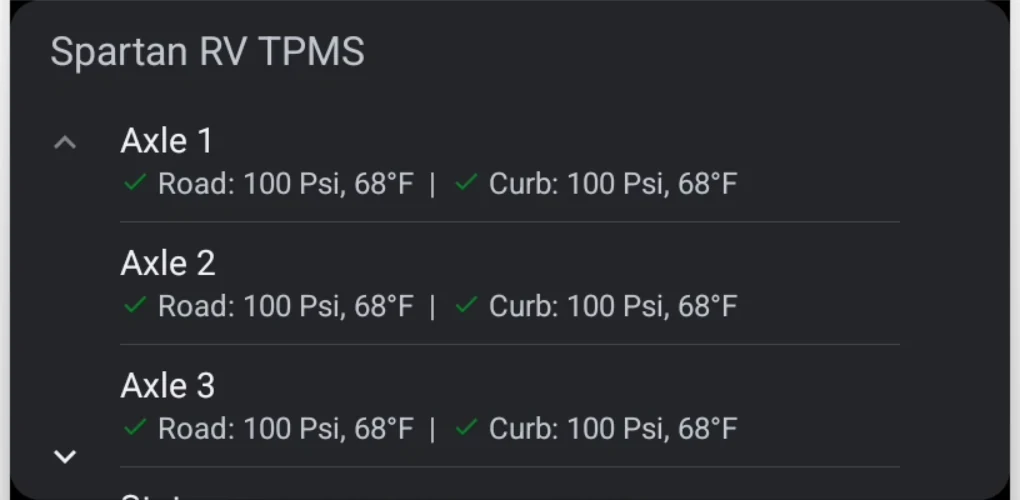
View the latest reading for each paired tire using PSI or kPa and Fahrenheit or Celsius.

Bluetooth tire monitoring for travel trailers
Spartan RV TPMS gives you a clear view of tire pressure, temperature, leak, battery, and missing-sensor conditions on Android and iOS. Key status information is also available through Android Auto and Apple CarPlay in supported vehicle-display environments.
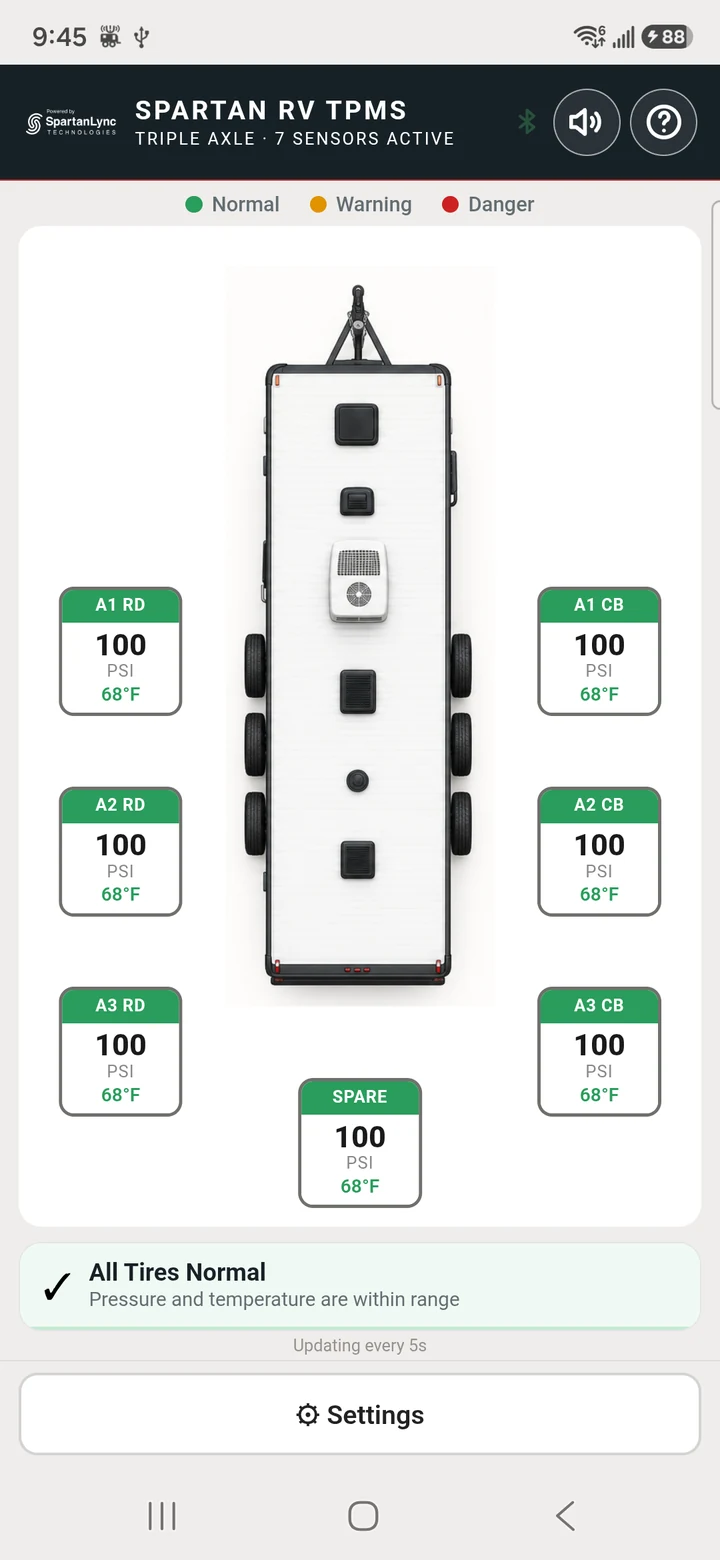 Actual app screen
Built for the road ahead
Each paired sensor is shown in its real position around a familiar top-view trailer, so the tire that needs attention is easy to identify.
View the latest reading for each paired tire using PSI or kPa and Fahrenheit or Celsius.
Receive a clear safety alert when rapid pressure loss is detected.
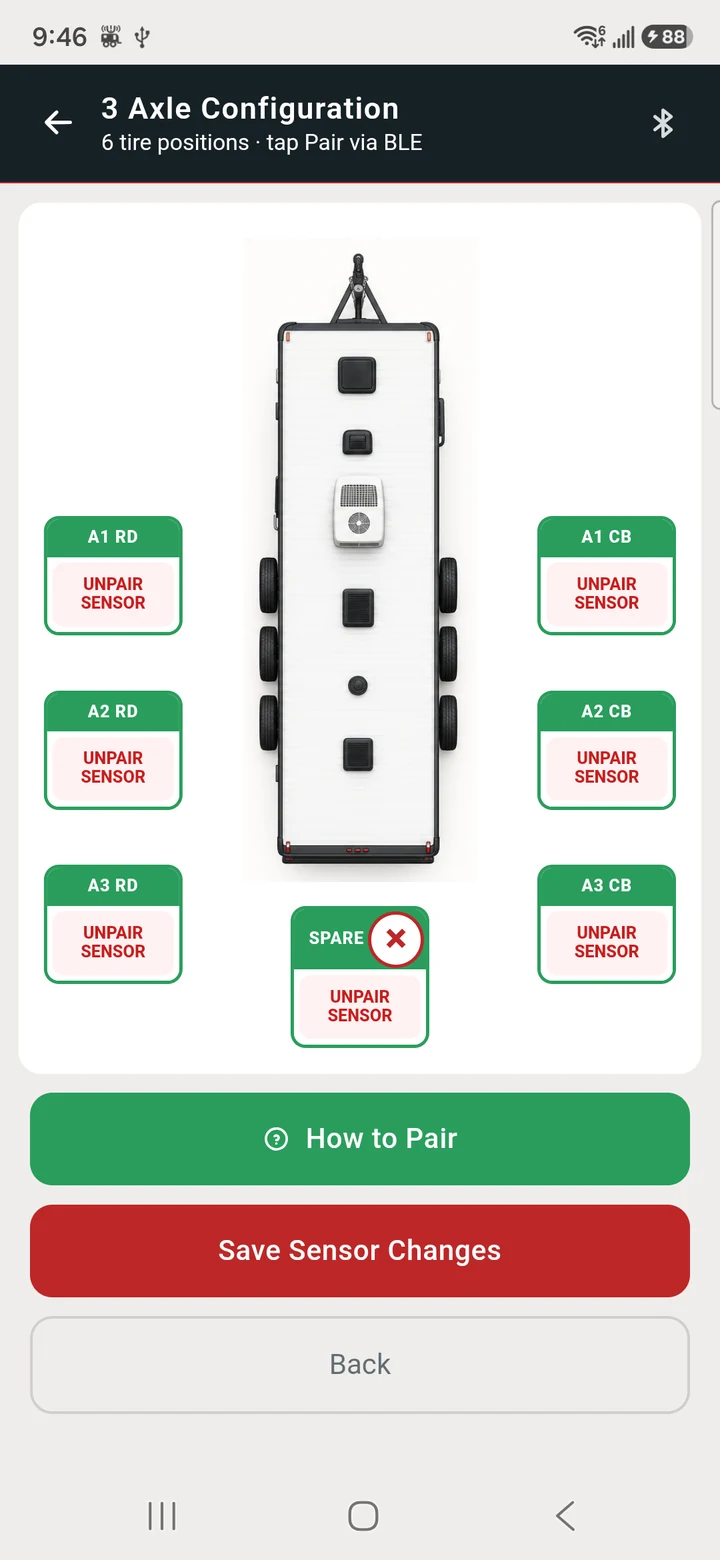
Choose a single-, dual-, or triple-axle layout and optionally monitor a spare tire.
A fixed high-temperature warning activates at 85°C (185°F) for consistent safety behavior.
Platform background Bluetooth support helps monitoring continue when the phone screen is off.
Guided setup
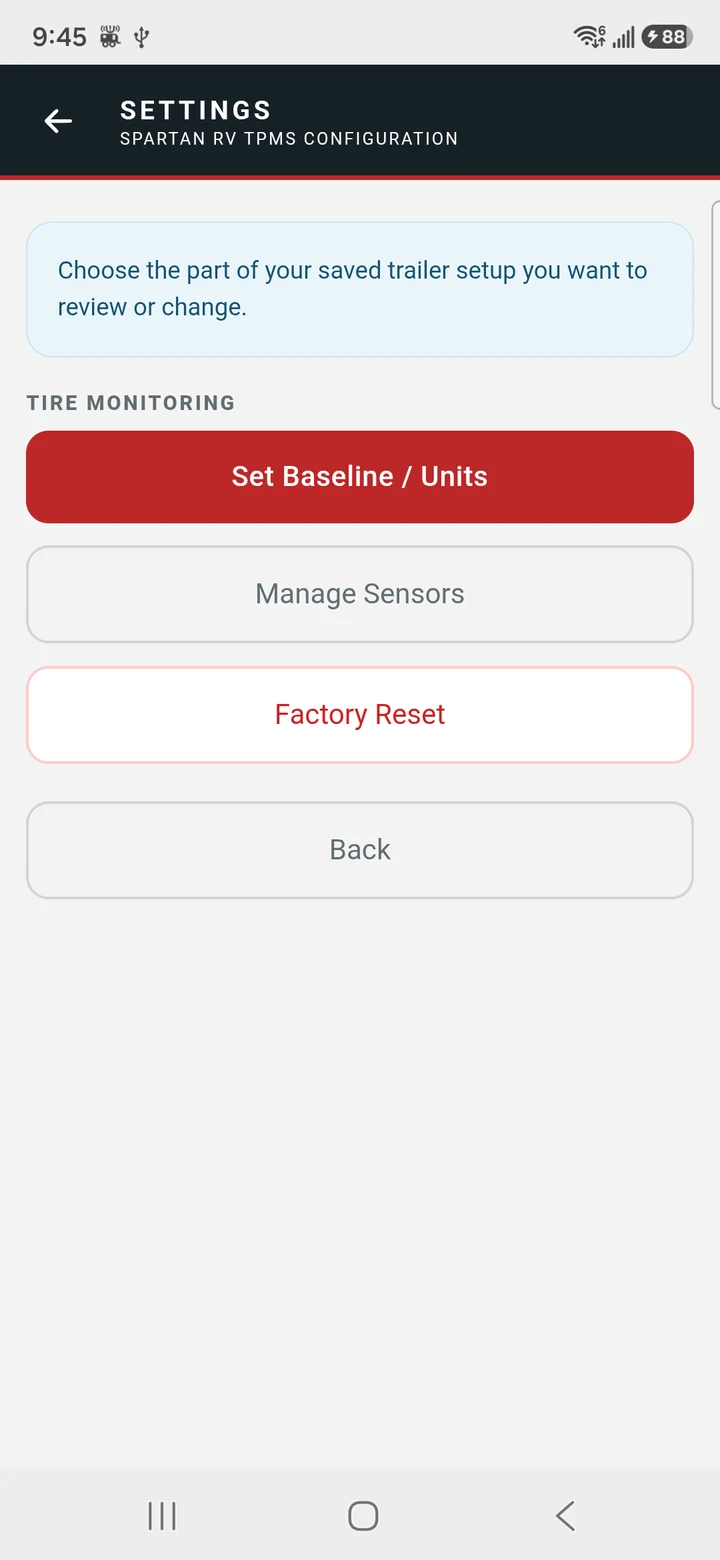
The app keeps configuration focused and pairs one sensor at a time.
Select the axle configuration that matches your RV.
Tap a tire position, start pairing, then briefly release air to activate that sensor.
Enter the cold tire pressure shown on your trailer or tire placard.
Confirm the setup and see live readings for every paired position.
During setup: readings continue to update, while audible alerts remain quiet. After setup is saved, a one-minute quiet period gives you time to finish handling the tires before sounds begin.
Help inside the app
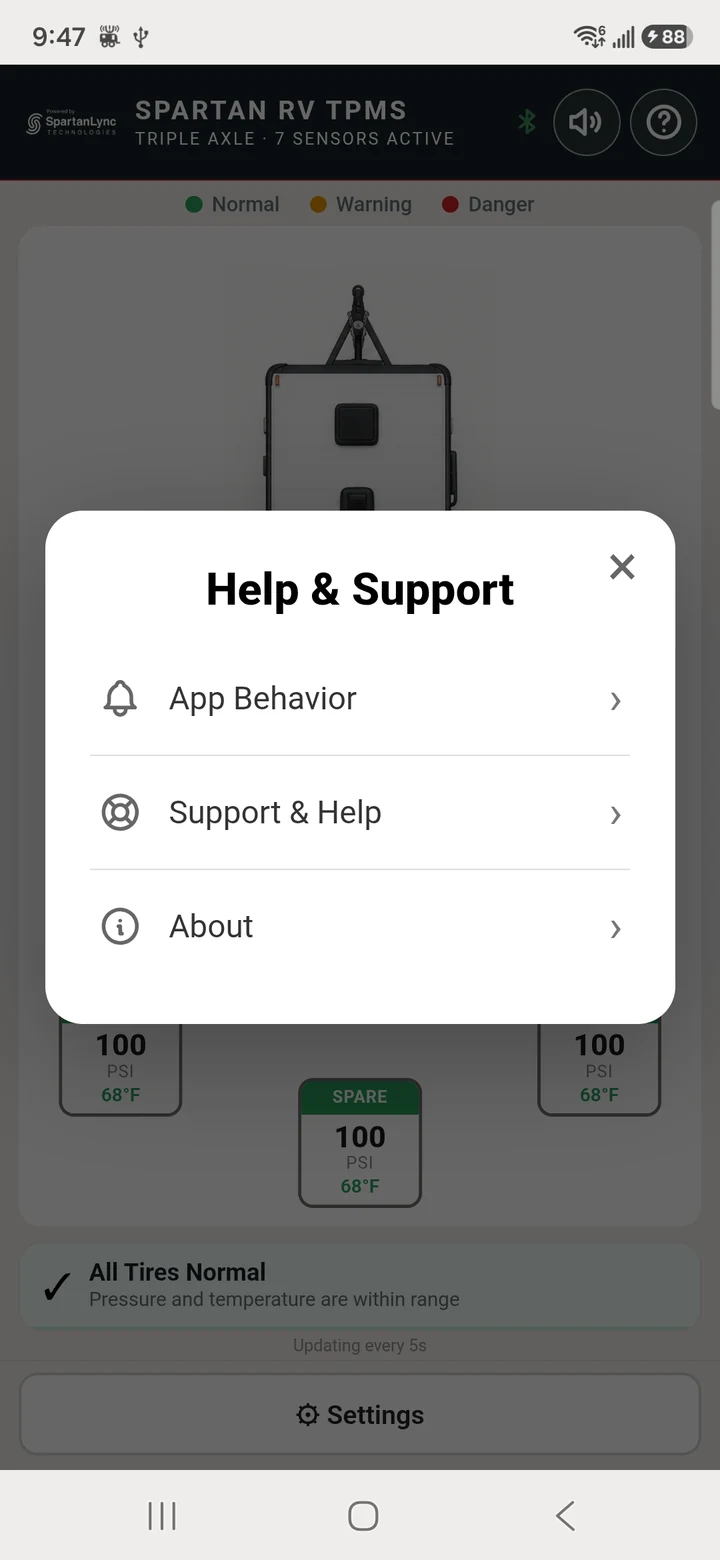
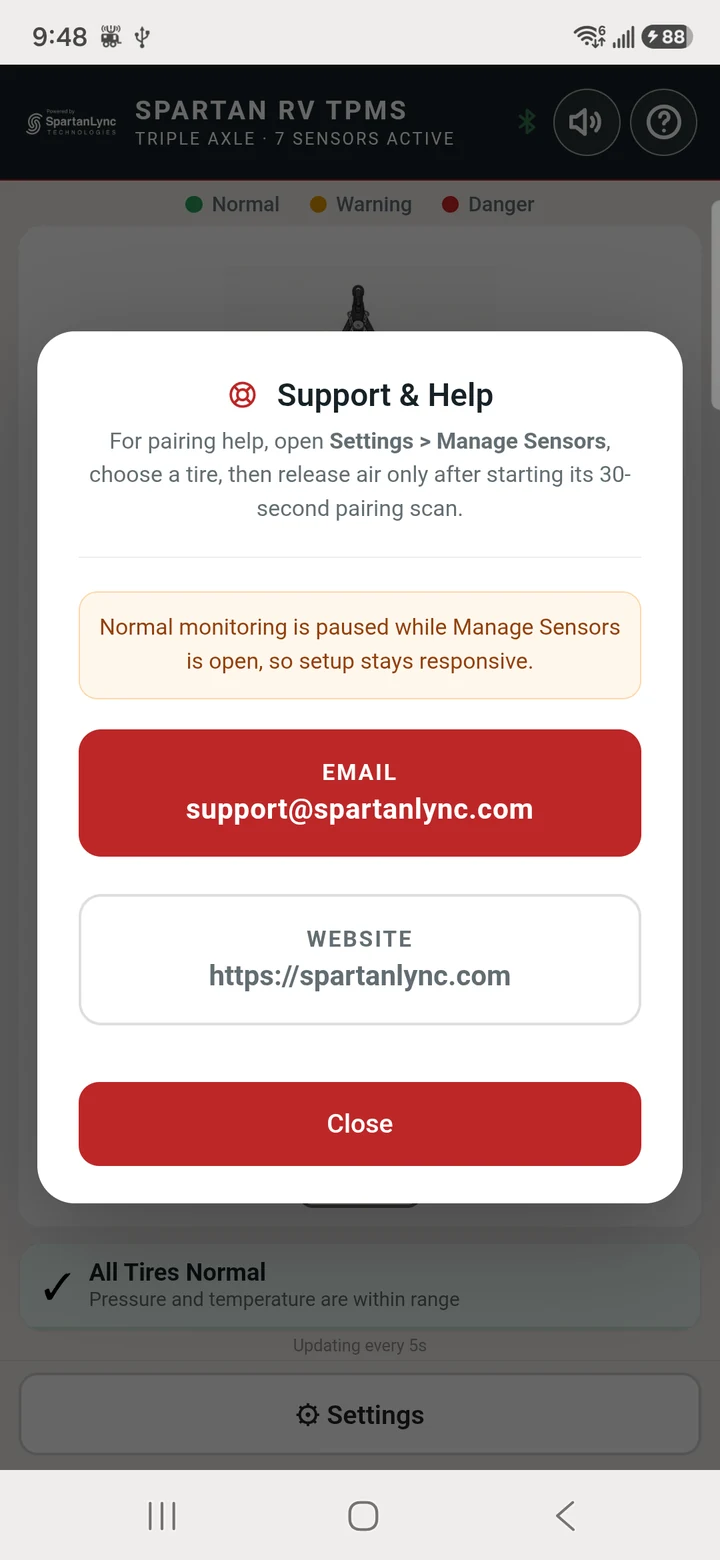
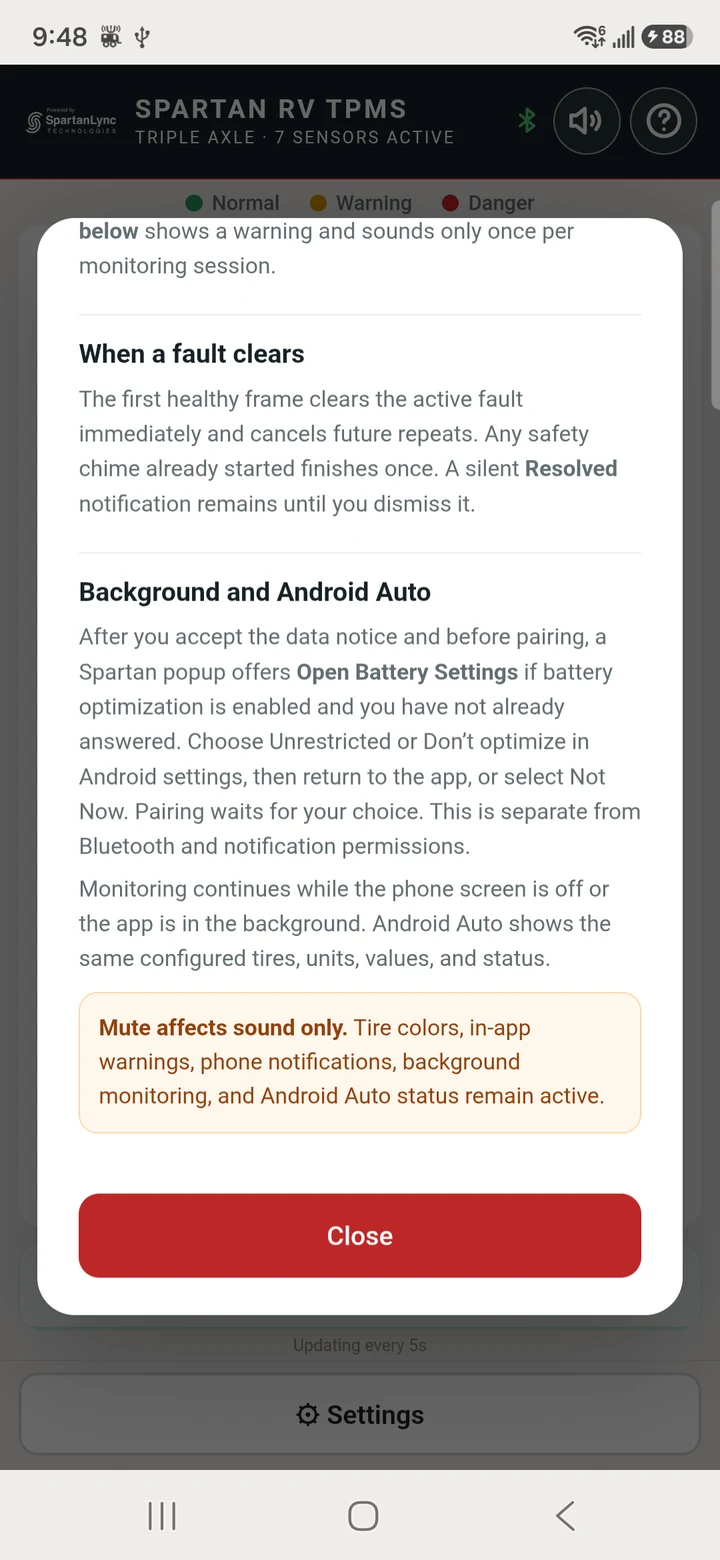
Tap the circled ? in the top-right corner of the home screen to open the centered Help & Support menu. Every app image in this section was captured from the current Spartan RV TPMS Android build running on a physical phone.
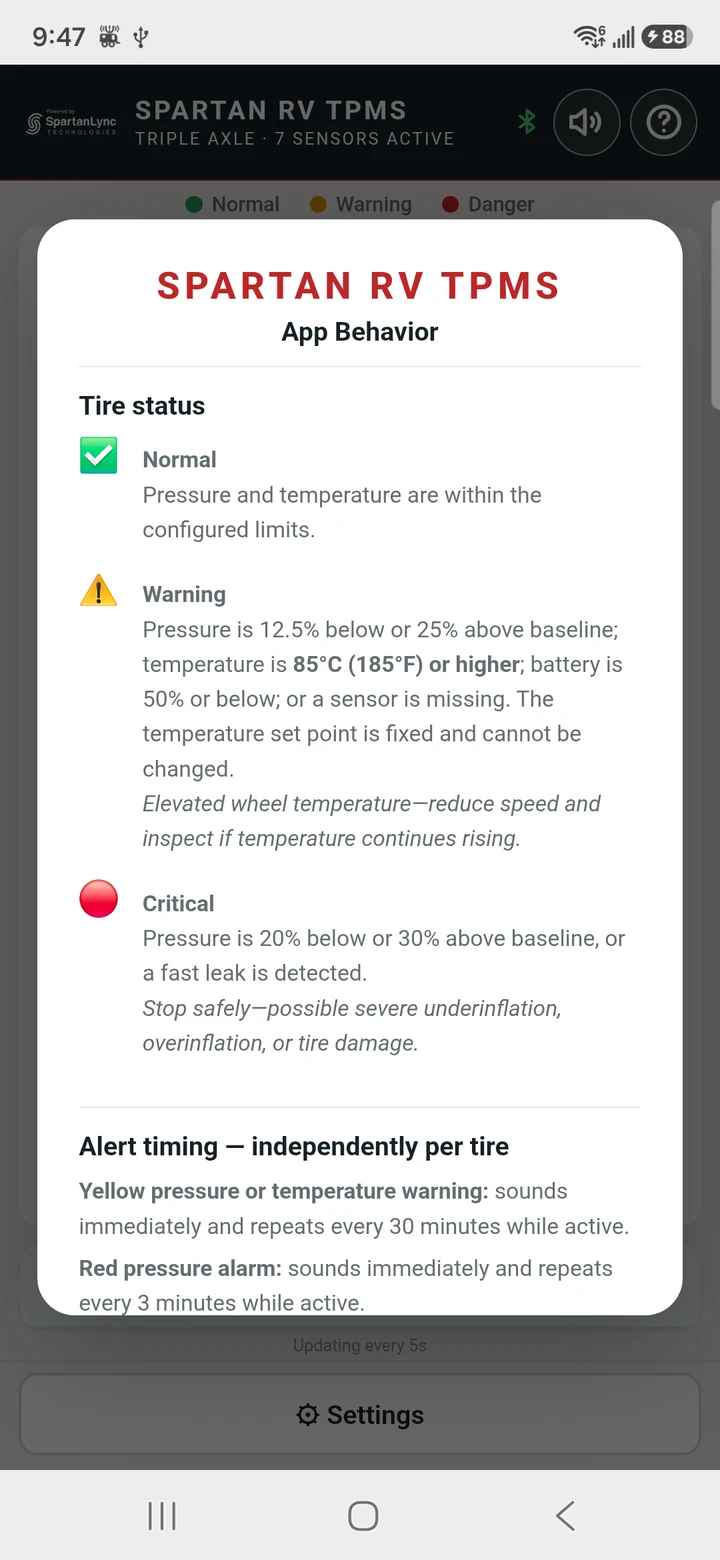
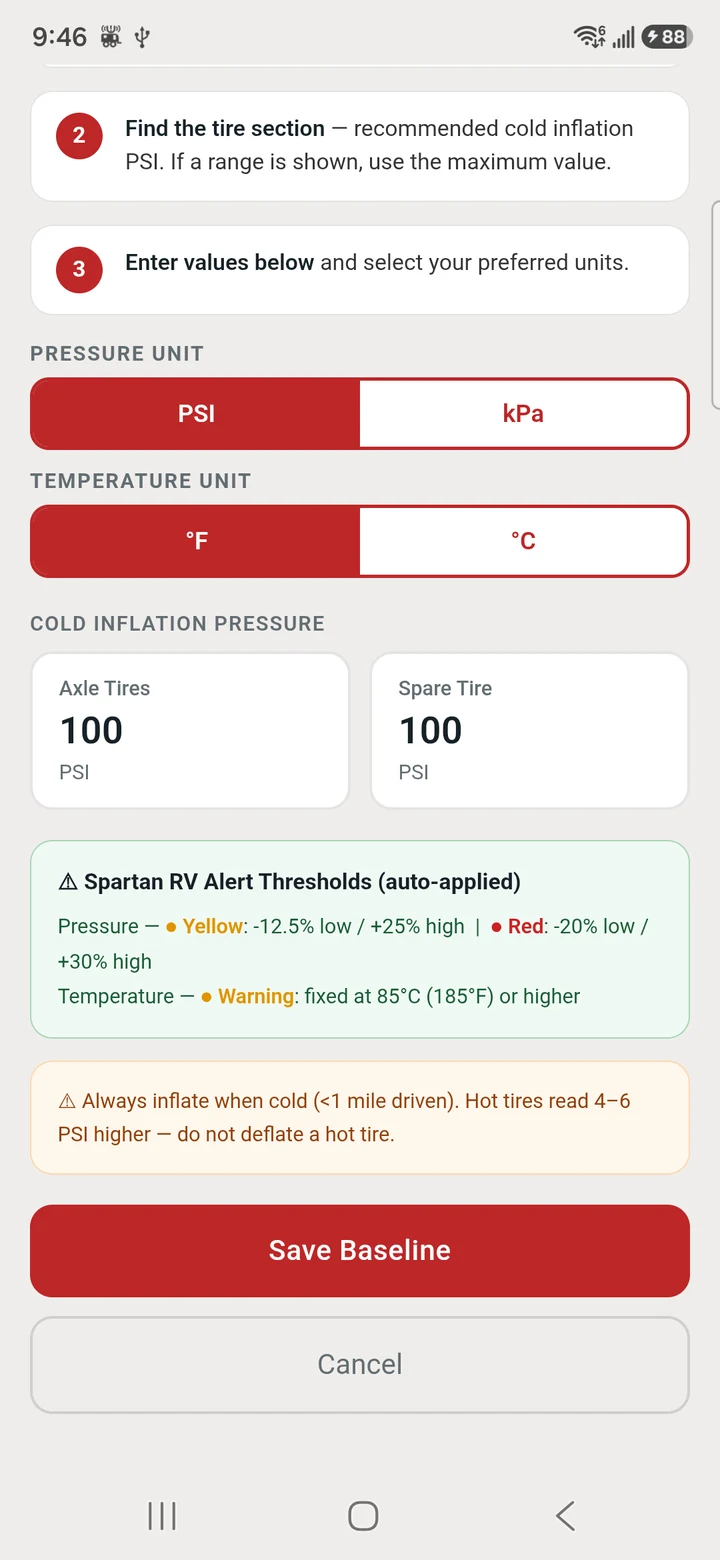
Pressure at least 12.5% below or 25% above baseline, temperature at or above 85°C (185°F), battery at 50% or below, or a missing sensor.
Pressure at least 20% below or 30% above baseline, or a detected fast leak. The app tells the user to stop safely and inspect the tire.
Live readings continue during setup and for one minute after Finish Setup. Only sounds, vibration, and alert popups are suppressed; tire status remains visible.
Compatibility
Spartan RV TPMS communicates directly with compatible Bluetooth Low Energy tire sensors. No account or cloud connection is required for core monitoring.
Spartan RV TPMS is a supplemental monitoring aid. It does not replace routine tire inspection, correct inflation, or safe driving. Never interact with a phone while driving. If an alert occurs, pull over safely before inspecting the tire.
Spartan RV TPMS is provided by SpartanLync Technologies (“SpartanLync,” “we,” “us,” or “our”). This policy explains how the app handles information and device permissions.
On both Android and iOS, the app processes paired tire-sensor identifiers and sensor telemetry such as tire pressure, temperature, battery status, leak state, and last-seen status. It also saves your selected trailer profile, sensor-to-tire assignments, pressure baseline, display units, alert sound preference, setup status, and consent status.
This information is stored locally on your device so the app can monitor the configured tires. SpartanLync does not operate an app account system, advertising service, or analytics service for this app, and the core monitoring function does not transmit tire telemetry or your settings to SpartanLync.
SpartanLync does not sell or share personal information from this app with advertisers or data brokers. The app does not contain third-party advertising.
Locally stored settings and sensor assignments remain on the device until you remove a paired sensor, use the in-app Factory Reset, clear the app’s storage where the operating system provides that option, or uninstall the app. Factory Reset removes the saved RV profile and paired-sensor assignments from the app on Android and iOS.
App data is kept in operating-system-protected application storage. Android backup is disabled by the app; iOS backup behavior is controlled by Apple and the user’s device settings. No method of electronic storage can be guaranteed to be completely secure, but we limit handling to the data needed for TPMS operation.
This app is a vehicle-safety utility intended for adult RV operators and is not directed to children under 13. We do not knowingly collect personal information from children.
We may update this policy to reflect changes to the app or legal requirements. The effective date at the top of this section identifies the latest version.
For privacy questions or support, email support@spartanlync.com or visit spartanlync.com.
Help & support
Include your phone or tablet model, Android or iOS version, app version, and a short description of the issue when contacting support.
Questions about setup, sensor pairing, or app behavior are welcome.
App version shown on this page: 0.1.1
Open Settings → Manage Sensors, select one tire position, and tap Pair Sensor. When the 30-second scan begins, briefly release air from that tire to wake its sensor. Pair only one tire at a time, then repeat for the remaining positions.
Reinstall every valve cap, reinflate each tire to the manufacturer’s recommended cold pressure, and confirm all expected sensors are reporting.